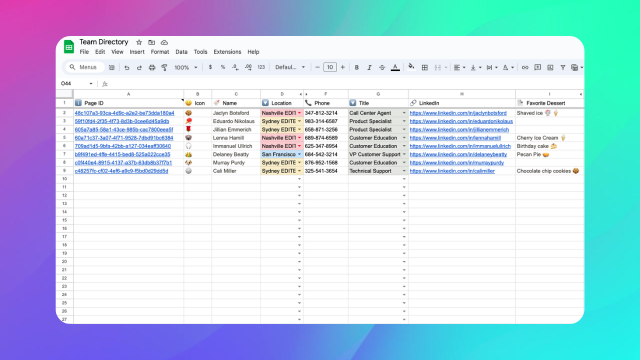
The Audit Log feature allows you to track schema changes to your Notion databases. When enabled for a database, a dedicated sheet is created that automatically logs every time a property is created, removed, or updated.
This is useful for teams who need to maintain a record of structural changes to their databases for compliance, debugging, or simply understanding how their workspace has evolved over time.
How It Works
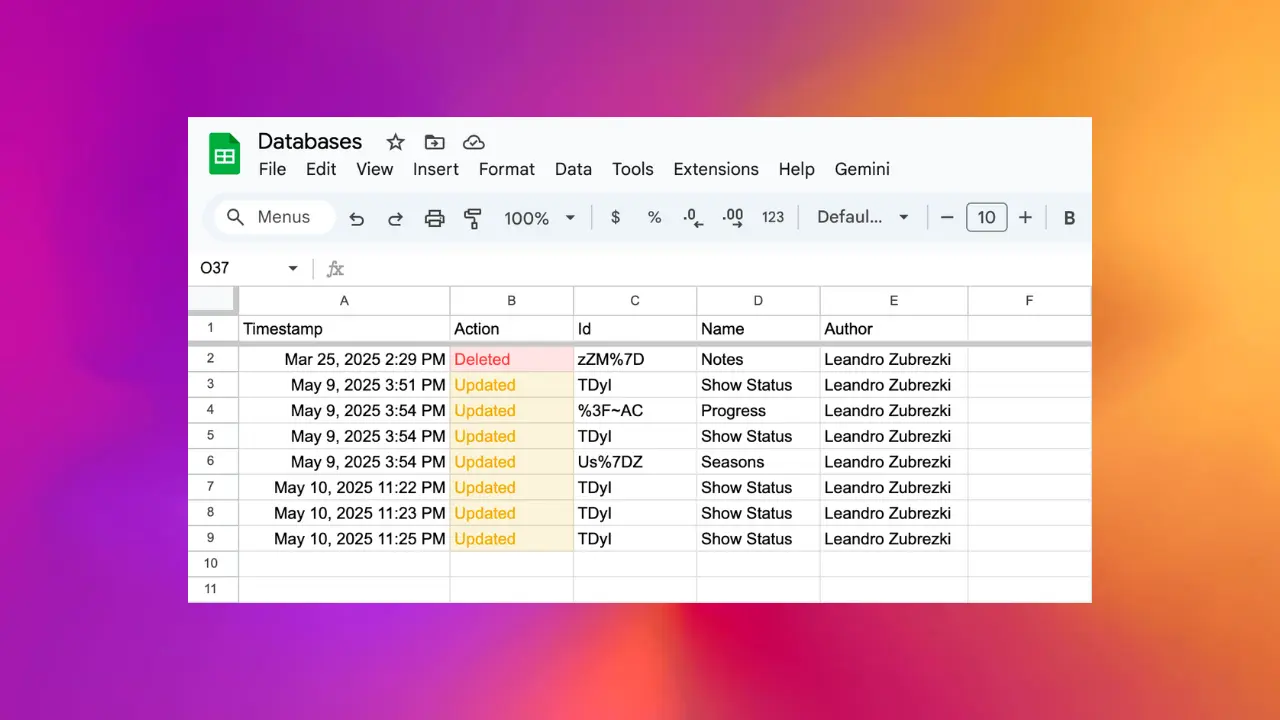
When you enable Audit Log for a database, a new sheet is created with the prefix “(AL)” followed by the database name. Every time a property in that database is modified, a new row is added to the audit log with the following information:
- Timestamp: When the change occurred
- Action: The type of change (Created, Removed, or Updated)
- Id: The unique identifier of the property
- Name: The name of the property
- Author: The user who made the change
- Details: Additional information about the change
What Gets Logged
The Audit Log tracks schema-level changes to your database:
- Property Creation: When a new column/property is added to the database
- Property Removal: When a column/property is deleted from the database
- Property Update: When a property’s configuration is modified (e.g., name change, type change)
Note that the Audit Log tracks changes to the database structure, not changes to individual page data.
Enabling Audit Log
To enable the Audit Log, open the database settings in the Sync2Sheets add-on and toggle “Enable audit log”. A new sheet will be created automatically and will start logging schema changes in real-time.
This feature is available on paid plans.